
Getting started | Features | Samples overview | Useful links
A sample React application demonstrating DHTMLX React Spreadsheet — a declarative React wrapper for the DHTMLX Spreadsheet library.
import ReactSpreadsheet from "@dhtmlx/trial-react-spreadsheet";
import "@dhtmlx/trial-react-spreadsheet/spreadsheet.react.css";
import type { SheetData } from "@dhtmlx/trial-react-spreadsheet";

const sheets: SheetData[] = [
	{
		id: "sheet1",
		name: "Sales",
		cells: {
			A1: { value: "Product" },
			B1: { value: "Revenue", format: "currency" },
			A2: { value: "Widget A" },
			B2: { value: 1500, format: "currency" },
		},
	},
];

export default function App() {
	return (
		<div style={{ width: "100%", height: "500px" }}>
			<ReactSpreadsheet
				sheets={sheets}
				onAfterEditEnd={(cell, value) => {
					console.log(`Cell ${cell} updated to: ${value}`);
				}}
			/>
		</div>
	);
}DHTMLX React Spreadsheet brings Excel-like functionality into React apps:
- Data —
sheets,styles,activeSheet,search,loadUrl - Configuration —
menu,editLine,toolbarBlocks,multiSheets,formats,readonly,rowsCount,colsCount,localization,importModulePath,exportModulePath - Appearance —
theme(light, dark, contrast-light, contrast-dark),className,style - Events — 21 callbacks covering actions, selection, editing, sheets, and data lifecycle (e.g.
onBeforeAction,onAfterEditEnd,onAfterSheetChange,onStateChange) - Ref API — access the underlying DHTMLX instance via
SpreadsheetReffor imperative operations (serialize, undo/redo, programmatic selection) - TypeScript — full type exports:
SheetData,CellData,SearchConfig,Actionsenum, and all event handler types
- Node.js 20+
- React 18+
- Yarn (or npm)
yarn installyarn buildyarn startThen open http://localhost:3000 in your browser.
Samples are in src/pages/ organized by category:
Properties (properties/)
- Initialization — multi-sheet setup with cell data
- Custom Formats — custom number format definitions
- Formulas Cheat Sheet — formula reference and usage
- Full Toolbar — complete toolbar configuration
- Readonly — read-only mode toggle
- Config Options — menu, edit line, toolbar blocks, multi-sheets
- Themes — built-in light/dark/contrast themes
- Custom Themes — user-defined theme variables
- Localization — UI and formula name translations
Data (data/)
- Redux Integration — Redux Toolkit state management
- Search — controlled search with result tracking
- Sheet — sheet CRUD operations
- Row — row management (add, delete, resize, hide)
- Column — column management (add, delete, resize, hide)
- Freezing — row and column freeze panes
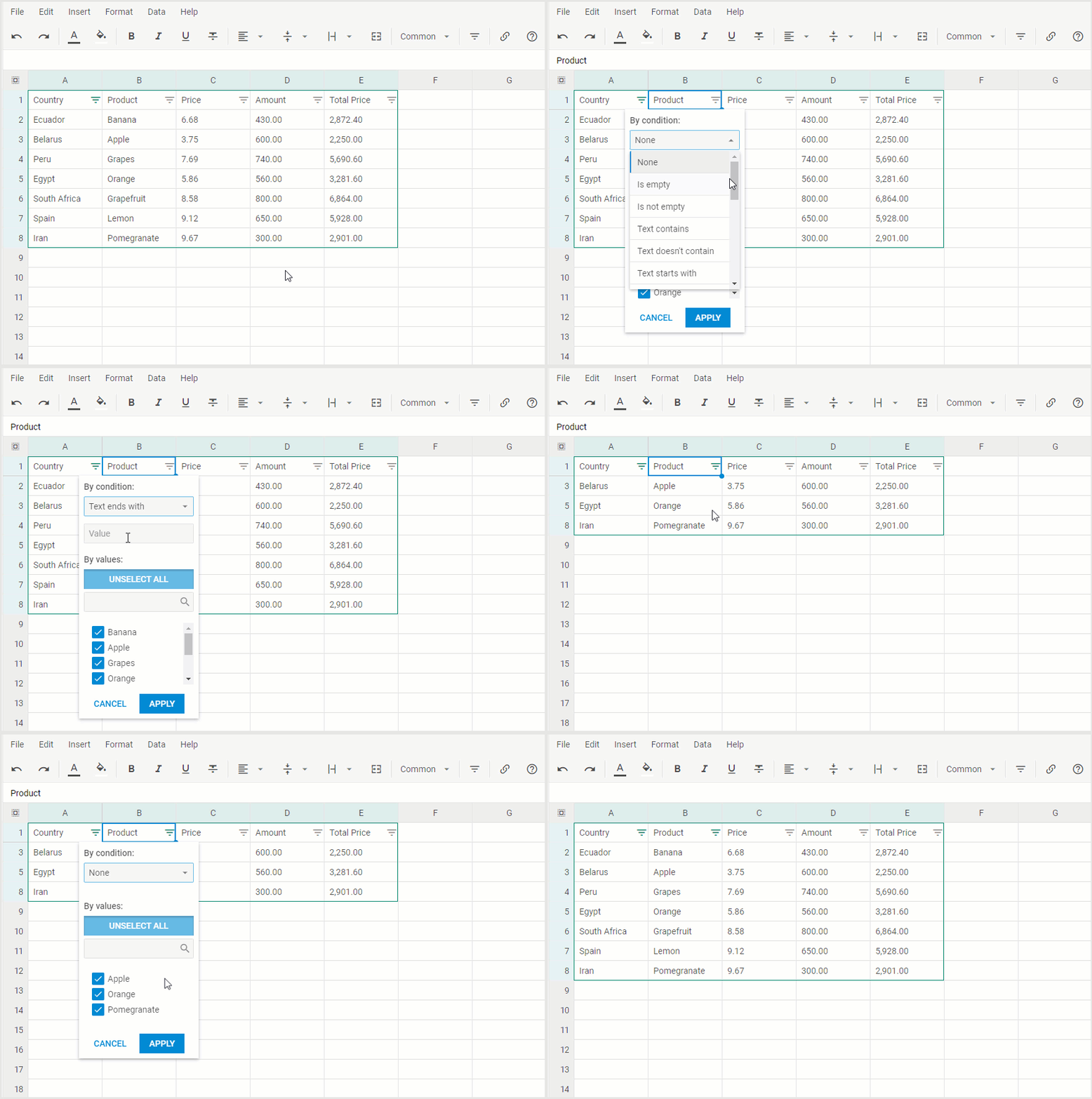
- Filtering — column filter configuration
- Sorting — column sorting
- Locking — cell protection
- Merging — cell merge ranges
- Data Loading — loading data via the
sheetsprop - Data Load (via Ref) — loading data through the imperative ref API
- Undo/Redo — history state tracking via
onStateChange
Cell (cell/)
- Cell Value — get/set cell values
- Cell Style — cell styling
- Cell Format — number and date formatting
- Cell Validation — cell validation rules
- Cell Iteration — iterating over cells
Events (events/)
- Before Events — cancellable action, edit, selection, and sheet events
- After Events — notification events for completed operations
- Input Events — cell and edit line input tracking
- The application source code in this repo is published as an example project.
@dhtmlx/trial-react-spreadsheetis a commercial trial package. Use it under a valid evaluation or commercial agreement.