One command to X-ray any Git repository. Size, growth rate, performance baselines, the largest files nobody remembers committing, and the contributor patterns git log won't show you.
No Python. No Node. No Docker. One binary. Done.
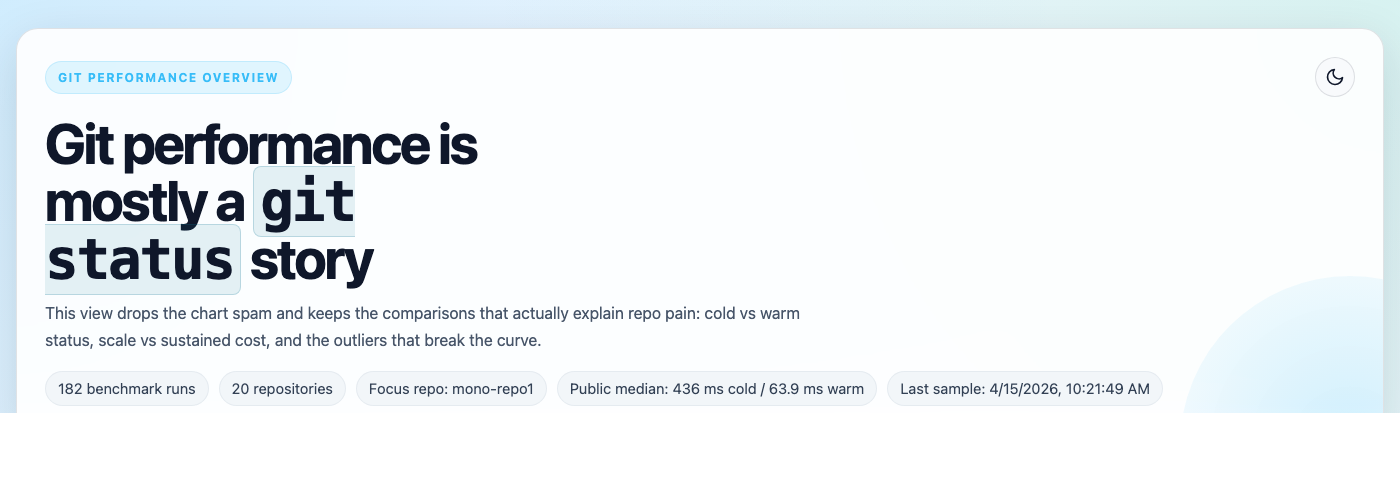
176 benchmark runs across 20 repositories — generated by a single
gh repo-analyzecommand. No setup. No config files. Just answers.
gh extension install ghcli/gh-repo-analyze# Point it at anything — it figures out the rest
gh repo-analyze https://github.com/torvalds/linux
# Local checkout? Skip the clone
gh repo-analyze /path/to/your/repo
# Already in the repo? Even easier
gh repo-analyzeOutput:
  output_dir      /tmp/torvalds-linux-analysis
  baseline_csv    /tmp/torvalds-linux-analysis/git-perf-baseline.csv
  analysis_report /tmp/torvalds-linux-analysis/analysis/torvalds_linux_analysis_20260414.md
  summary_md      /tmp/torvalds-linux-analysis/summary.md
  summary_csv     /tmp/torvalds-linux-analysis/git-sizer.csv
| Output | The point |
|---|---|
| baseline_csv | git status, git log, git diff, git blame timings. Pack counts. Contributor activity over 7/30/90 days. The actual numbers your migration plan needs — not vibes. |
| analysis_report | git-sizer-style metrics + growth trends. Largest files, dirs, extensions by size. Author breakdown. Tells you if this repo is healthy or a dumpster fire. |
| summary_csv | Machine-readable rollup. Feed it to dashboards, spreadsheets, or that migration tracker you keep pretending doesn't exist. |
Pre-migration — Run this before moving repos to GitHub Enterprise. Know the clone time, pack size, and object count before the migration window starts. Not during.
for repo in org/api org/frontend org/infra; do
  gh repo-analyze "https://github.com/$repo"
done
Monorepo health checks — git status takes 4 seconds today, 12 seconds next quarter. This tool shows you exactly when it started rotting.
CI bottleneck hunting — The baseline CSV tells you git blame takes 30 seconds on your codebase. That's your CI bottleneck — not the test suite.
Large file archaeology — Find the 200MB binary someone committed in 2019 that everyone forgot about. The report lists largest blobs by extension so you can target git filter-repo with surgical precision instead of guessing.
Each stage runs independently. Chain them in scripts, CI, whatever:
# Normalize any URL format — SSH, HTTPS, shorthand, doesn't matter
gh repo-analyze parse-url vercel/next.js

# Clone with timing
gh repo-analyze clone https://github.com/vercel/next.js /tmp/next

# Just the baseline numbers
gh repo-analyze baseline /tmp/next baseline.csv

# Full analysis
gh repo-analyze analyze vercel next.js https://github.com/vercel/next.js 45.2 /tmp/next analysis/

# Roll up multiple runs into one summary
gh repo-analyze summary analysis/ summary.md summary.csv| OS | Arch |
|---|---|
| Linux | x86_64, ARM64 |
| macOS | Intel, Apple Silicon |
| Windows | x86_64 |
All platforms install the same way:
gh extension install ghcli/gh-repo-analyze